Thank you for watching. Please subscribe. Follow AI Marie Marketing on YouTube for more AI content creation tutorials.
YOUR BRAND. YOUR IMAGE.
AI FAME SOCIETY
The professional image workflow
ProfessionalAI images.
From your AI twin to a personal branding image collection.
Scroll to create
Start with you
New outfits. New poses. Still you.
Build the look around your identity.
Your reference kit
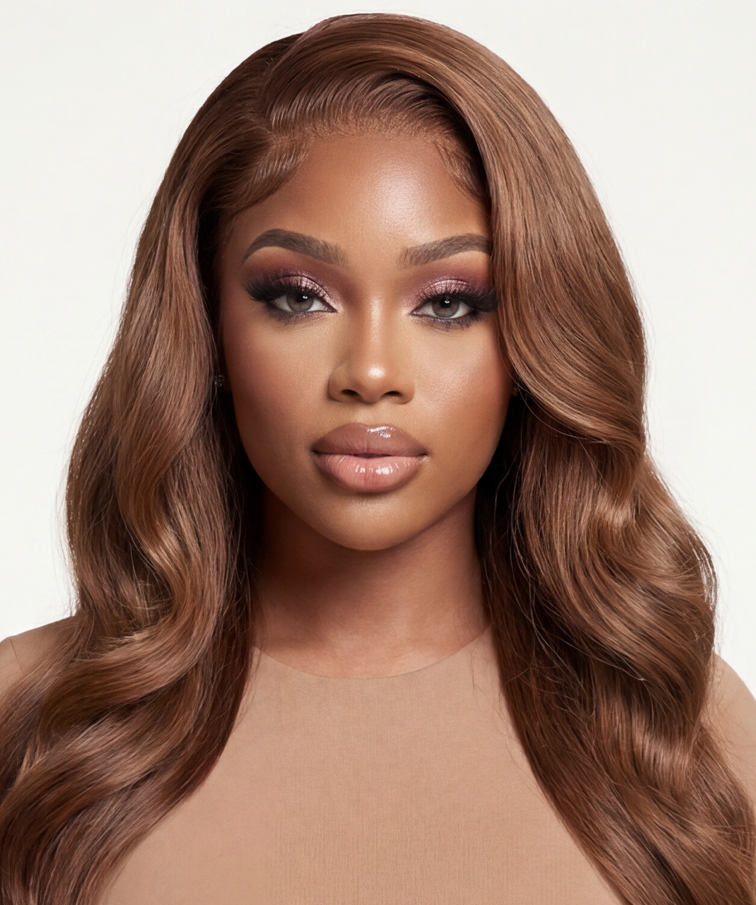
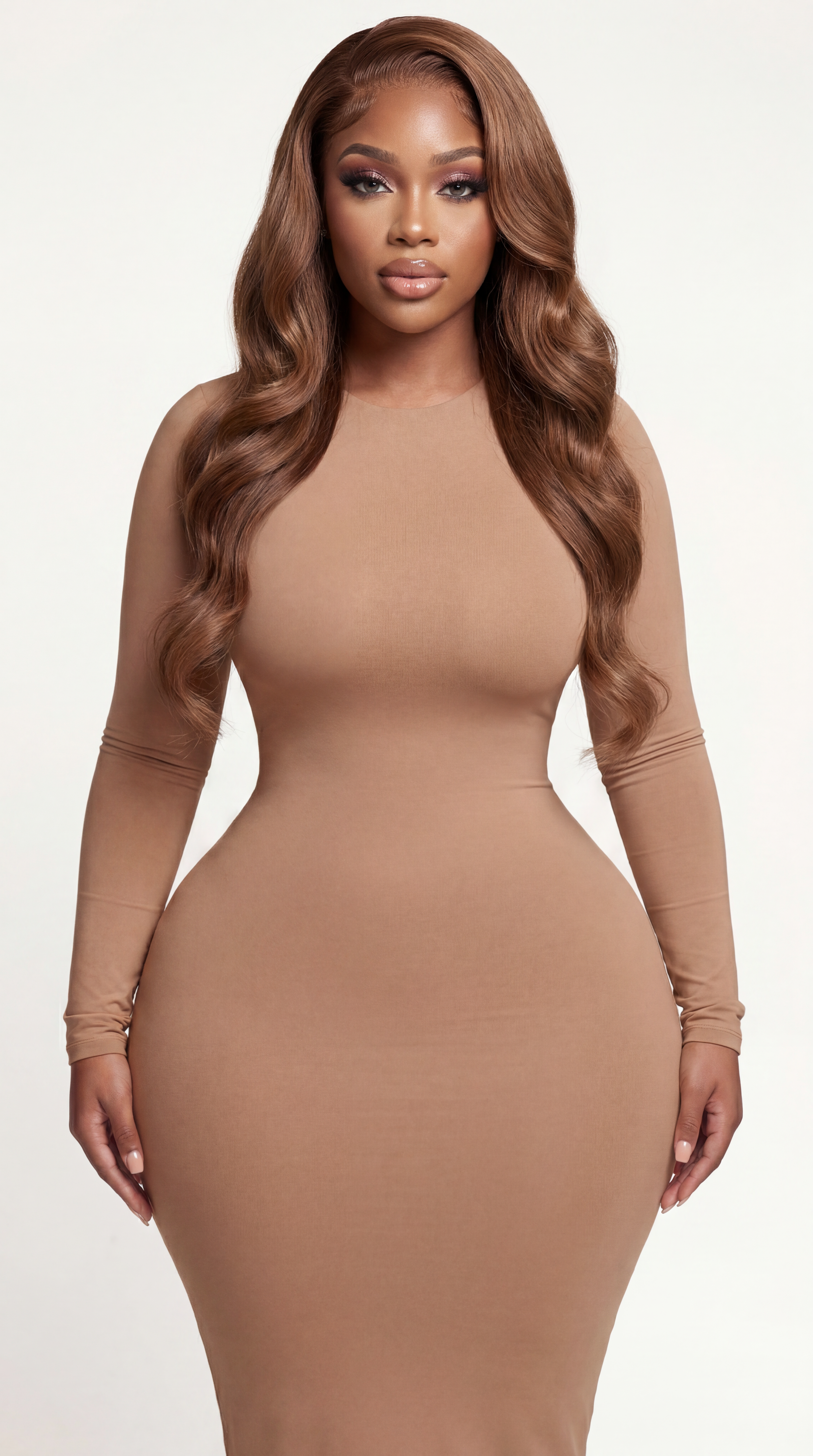
A clear face. Your real proportions.
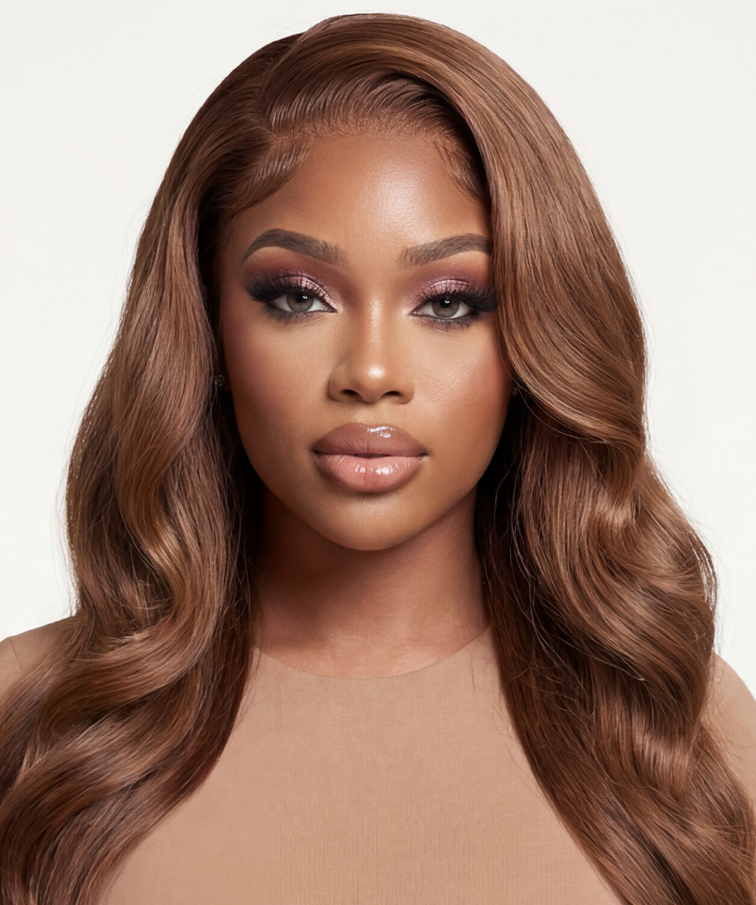
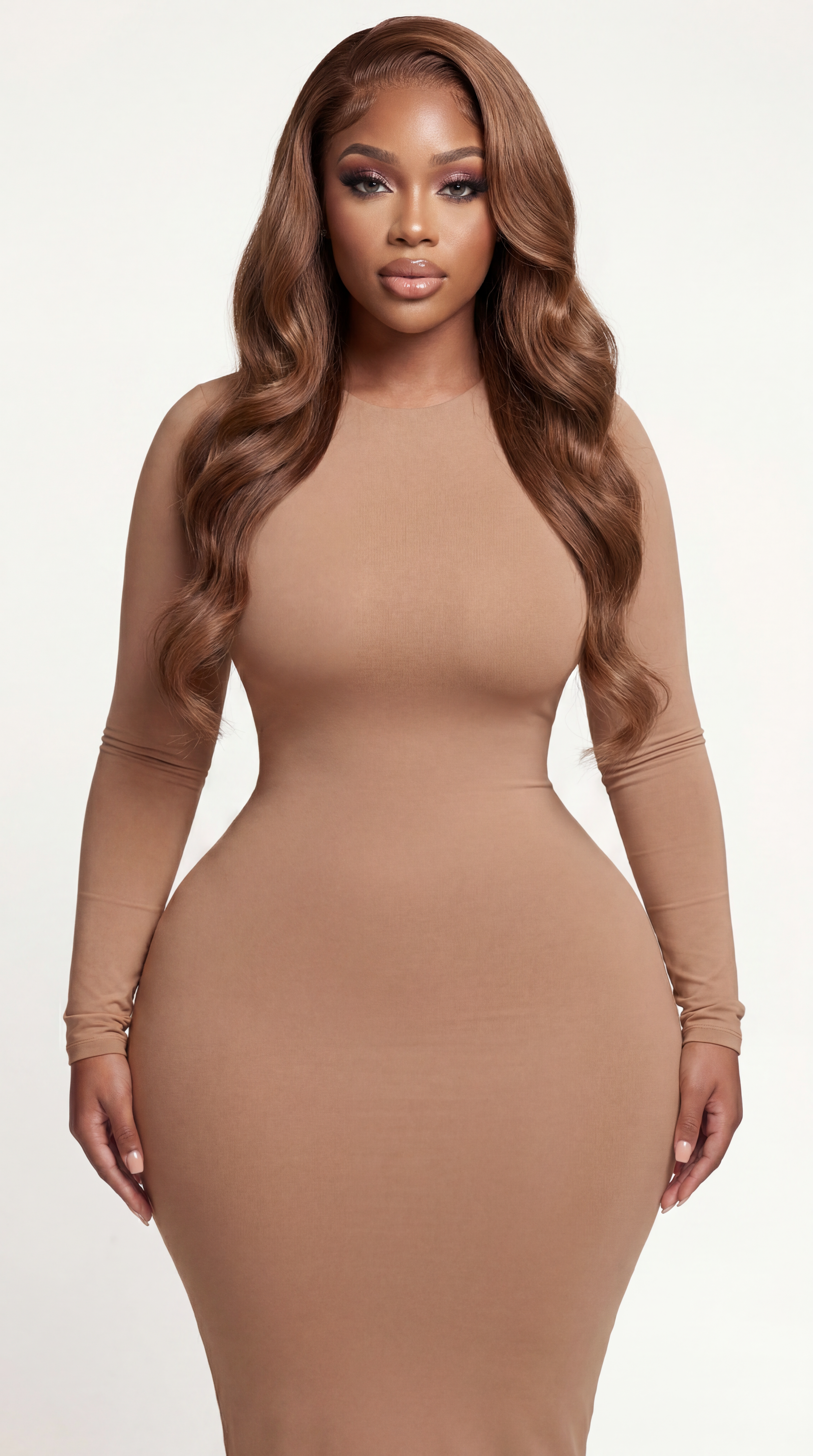
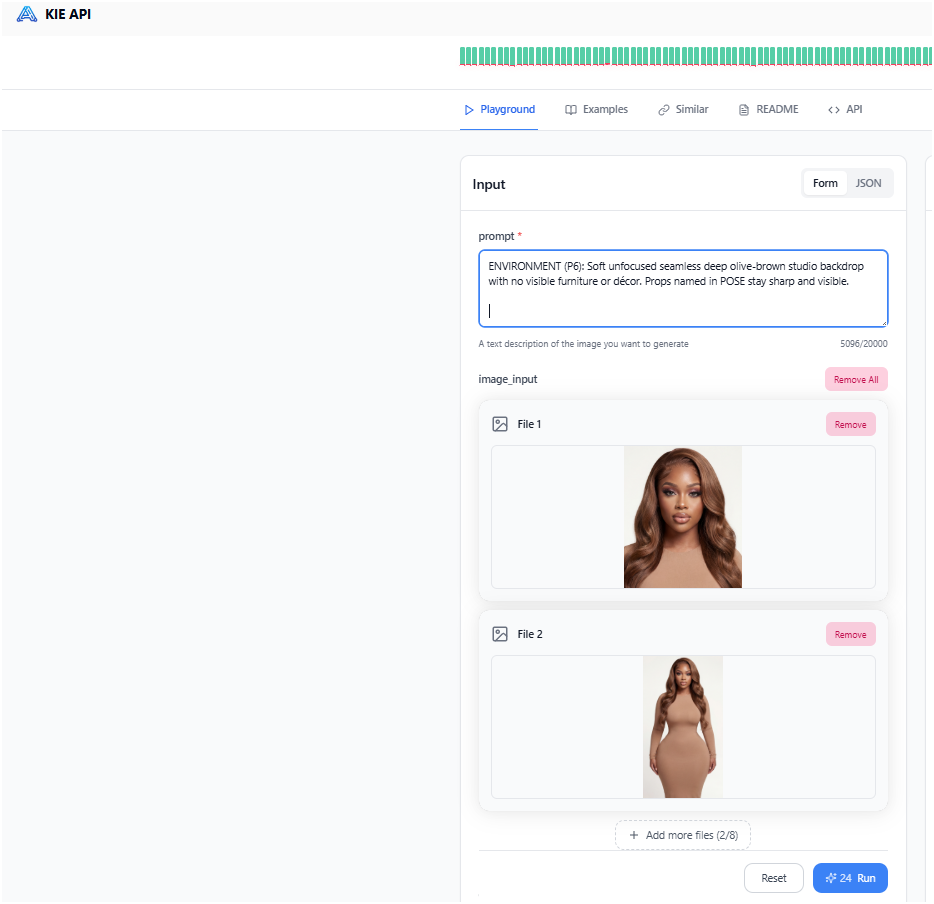
Prepare two strong references of the same AI avatar or AI twin.
Face reference = identity. Full-body reference = body shape and proportions.
Find your direction
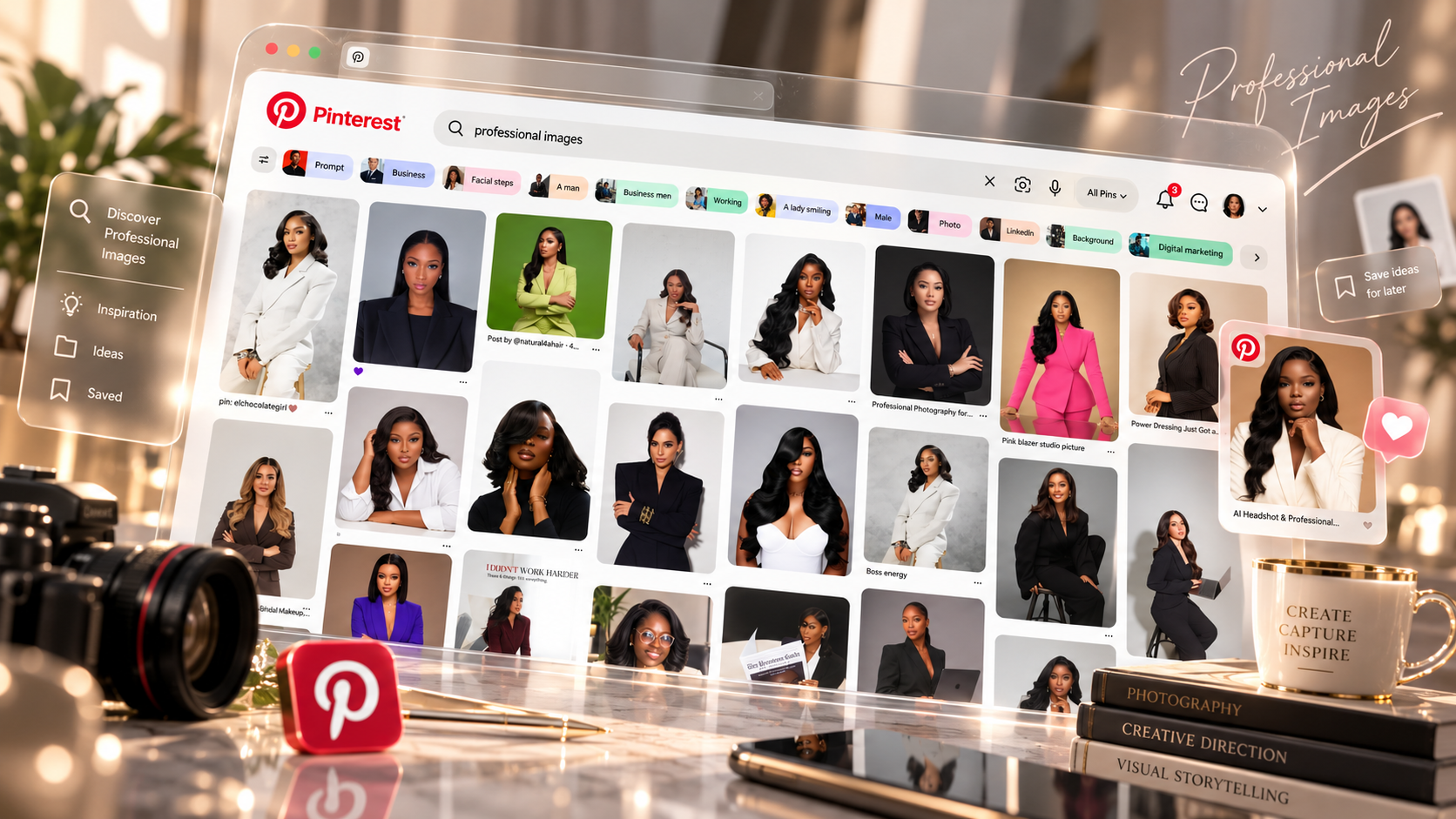
Open Pinterest.
Search “professional images.” Save the looks you would love to use for your personal brand.
Capture the inspiration
One image. Or the whole board.
Individual screenshots
Capture your favorite looks one at a time.
Board screenshot
Capture several inspiring images together.
One clear theme
Look for outfits, poses, lighting, and settings that work together.
Use the references to guide an original personal branding direction.
AI FAME SOCIETY · YOUR CREATIVE AI ECOSYSTEM · AI FAME SOCIETY ·
Build the concepts
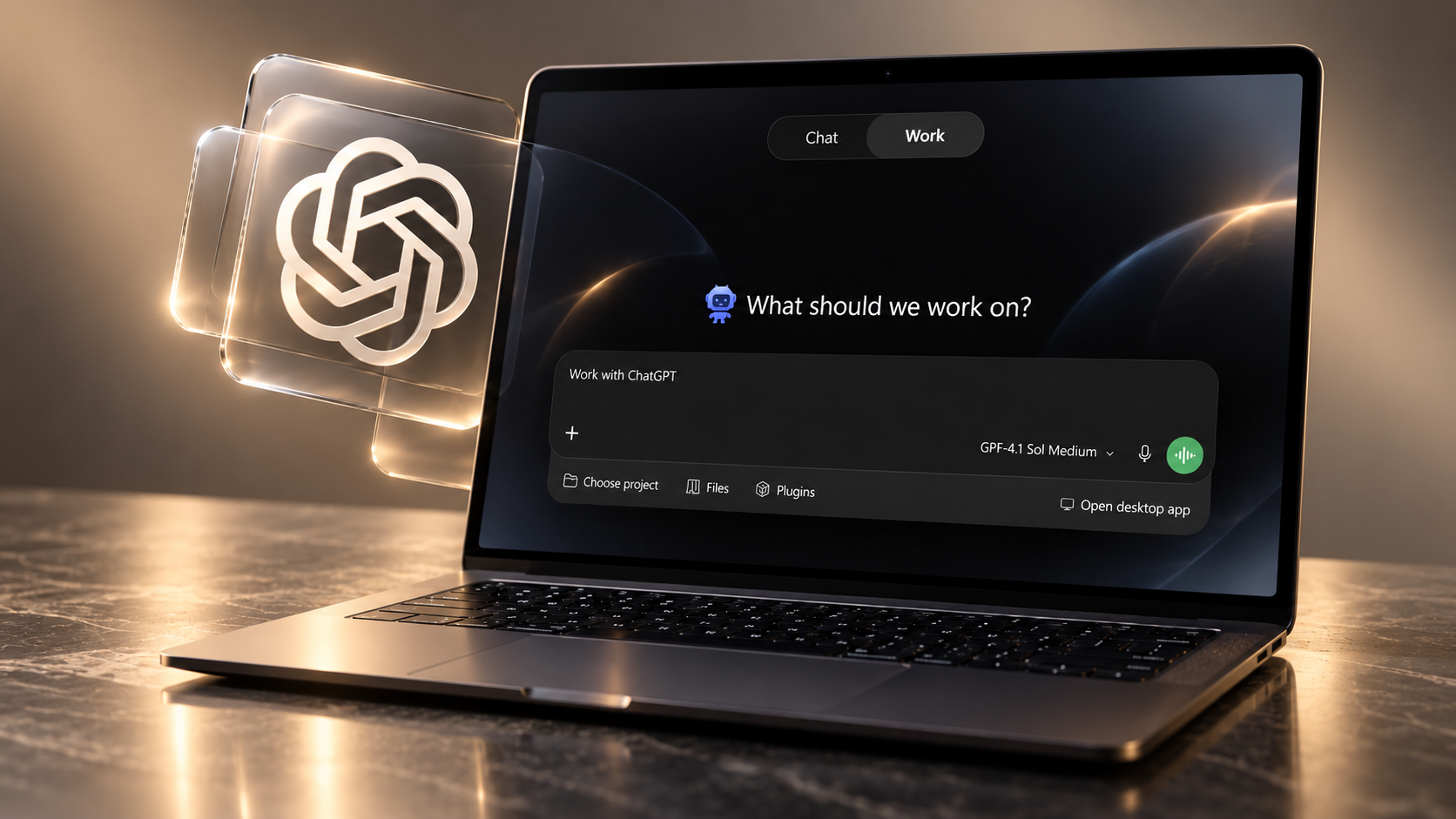
Open ChatGPT Work.
For this lesson, use ChatGPT Work. Upload your Pinterest screenshots before requesting the collages.
Copy this prompt
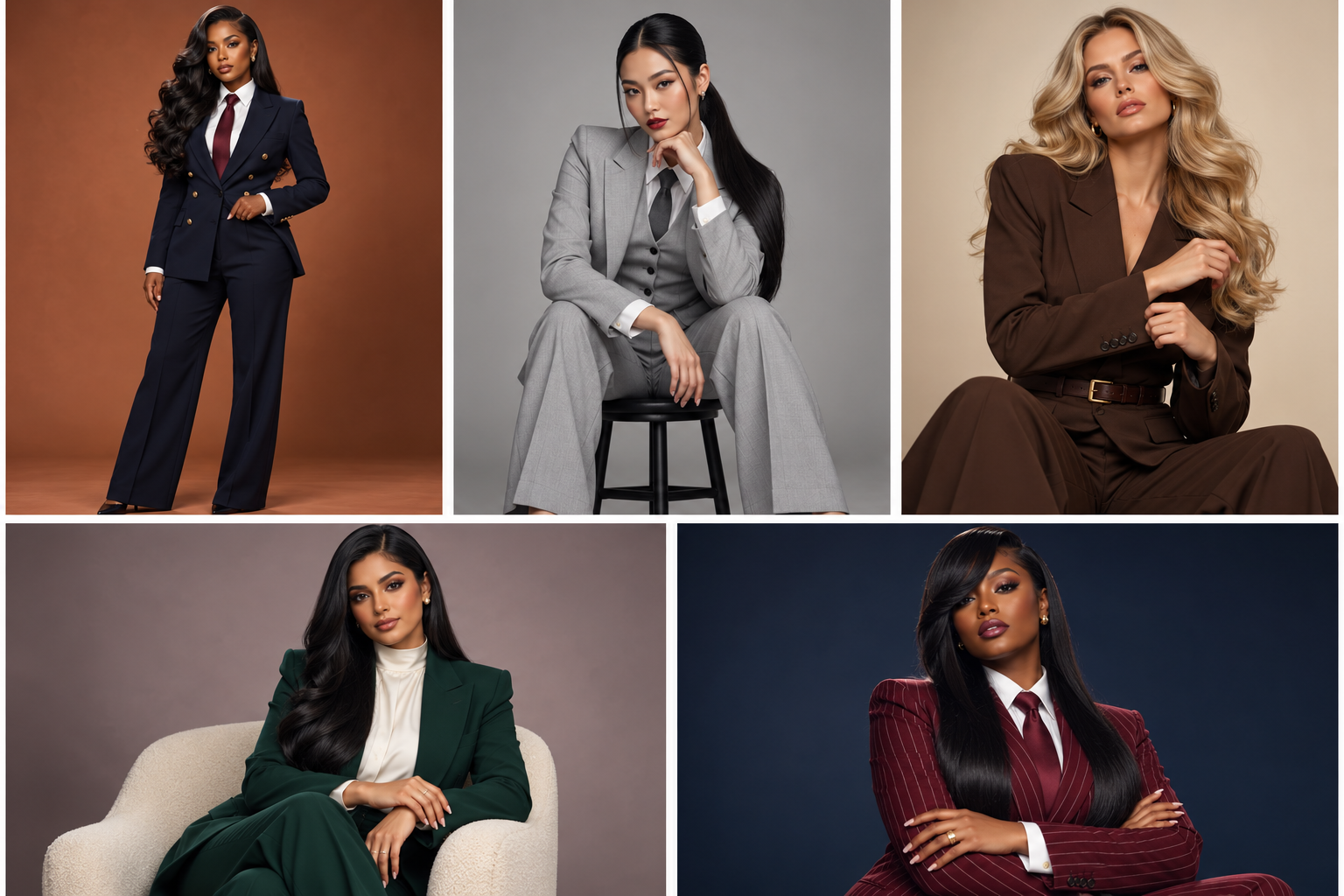
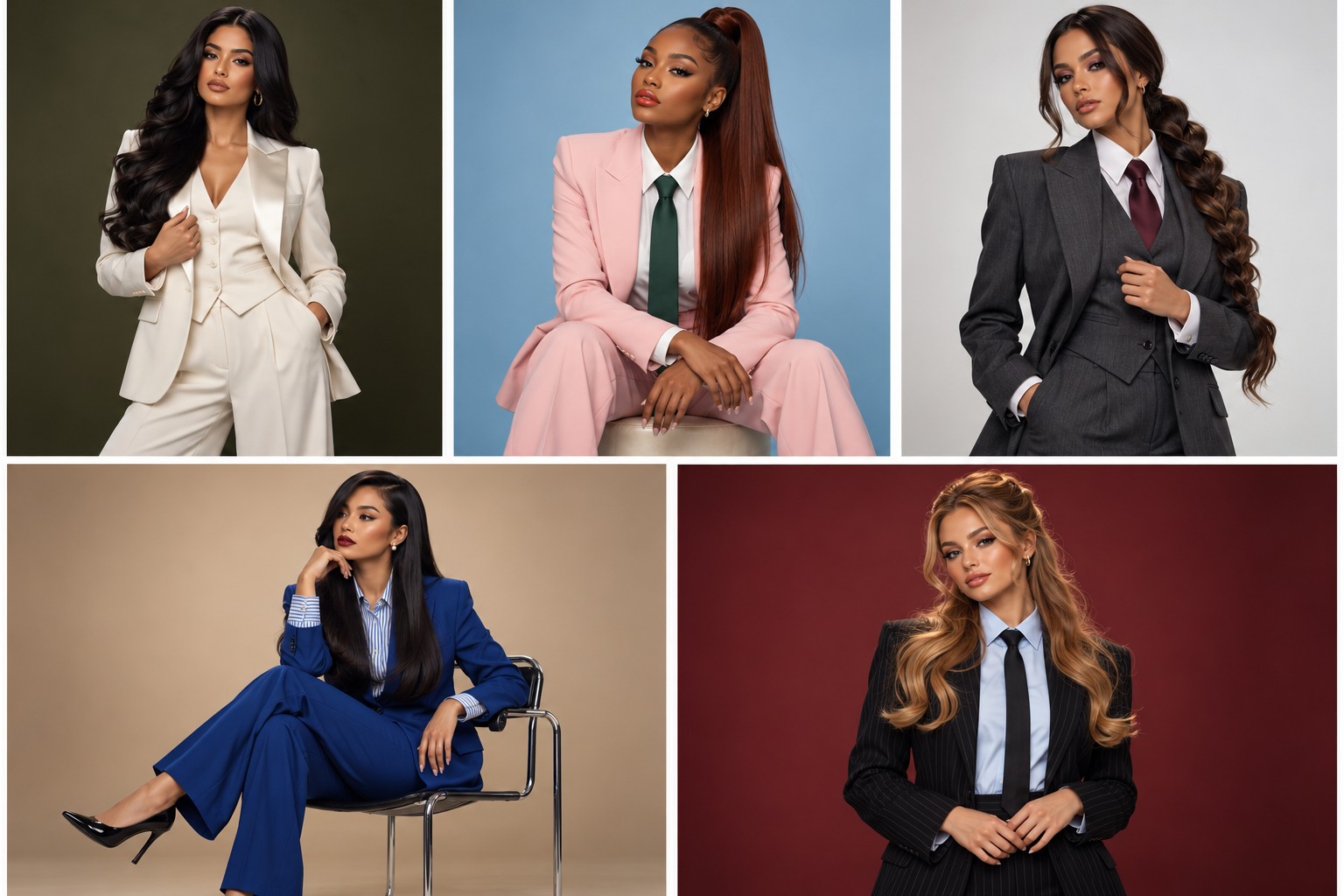
Two collages. Five looks each.
Act as a creative director specialising in glamorous corporate studio portraiture.
Study the uploaded inspiration board and extract its visual universe only: polished businesswear, feminine authority, fashion-conscious corporate styling, deliberate portrait poses, controlled studio lighting, simple seamless backgrounds, and premium editorial finish.
Do not recreate, trace, or closely imitate any individual reference photograph. Create fresh concepts that clearly belong on the same inspiration board.
CREATE AND RETURN TWO SEPARATE COLLAGE IMAGES:
• Collage 1 must contain exactly five distinct professional portrait photographs.
• Collage 2 must contain exactly five additional distinct professional portrait photographs.
• Do not merge all ten photos into one large ten-panel collage.
• Each collage must be its own separate finished image.
• Each collage must use exactly three panels on the top row and two panels on the bottom row.
• Use clean white gutters between every panel so each photograph can be screenshotted individually.
PURPOSE
These two collages must showcase ten fresh professional photoshoot concepts that can be created from the inspiration—not one model’s campaign and not near-duplicates.
Retain a varied editorial cast. Across the ten images, include women of varied ethnicities; do not turn every panel into the same woman.
VARIATION — REQUIRED ACROSS ALL TEN PANELS
Every panel must differ meaningfully in:
• woman/model
• long, healthy hairstyle: length, parting, texture, finish, and silhouette
• makeup direction
• tailored outfit, colour palette, and styling details
• pose, hand placement, body angle, facial expression, and crop
• seamless background colour and studio-lighting setup
• minimal studio furniture only when useful: a stool, chair, or simple desk
For Black women, always specify and show long, healthy, polished hair. Do not repeat the same hairstyle or makeup look more than once.
THE FIXED VISUAL UNIVERSE
Keep every image inside glamorous corporate studio portraiture:
• tailored pantsuits, structured blazers, waistcoats, elegant business shirts, ties, and refined corporate separates
• polished hair, considered makeup, and understated jewellery
• seamless studio backdrops or minimal corporate portrait sets
• confident standing, seated, and desk-based portrait poses
• precise studio photography and clean editorial composition
BOUNDARIES
No lifestyle storytelling, candid daily activities, outdoor scenes, cafés, homes, galleries, creative studios, workshops, or architectural interiors.
No casual outfits or career-specific props.
No copying a recognisable combination of model, pose, outfit, setting, and composition from the references.
NO TEXT OR GRAPHICS
No text, captions, labels, logos, watermarks, UI elements, overlapping photographs, or inset images.
FINAL CHECK BEFORE GENERATING
1. There are exactly TWO separate collage images.
2. Each collage contains exactly FIVE photographs—no more and no fewer.
3. Every panel belongs to the same glamorous corporate studio portrait category.
4. No panel recreates a specific reference image.
5. All ten panels visibly differ in woman/model, hairstyle, makeup, outfit, pose, framing, and background.
New colors + new poses + one professional theme.
Your creative directions
A collection of possibilities.
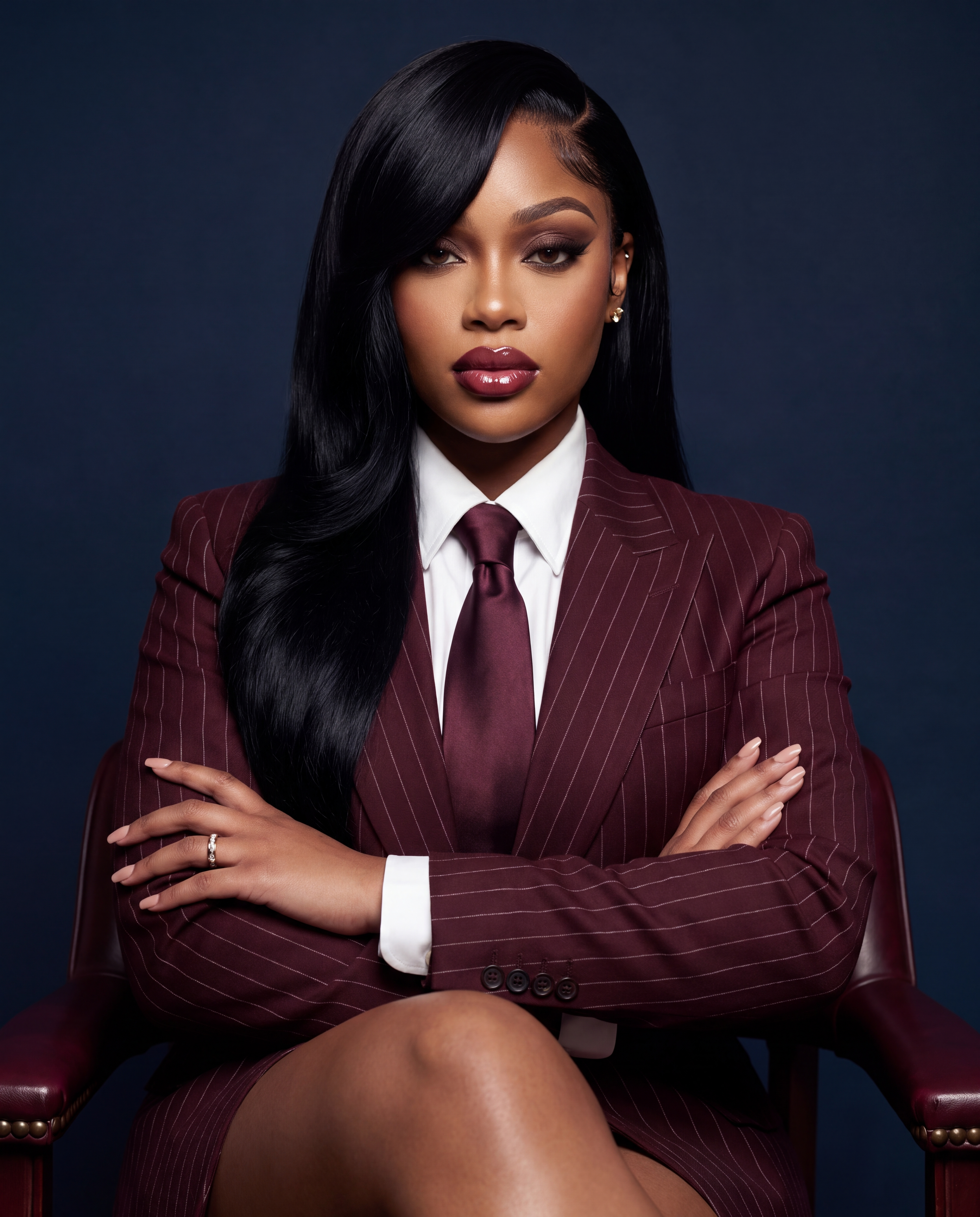
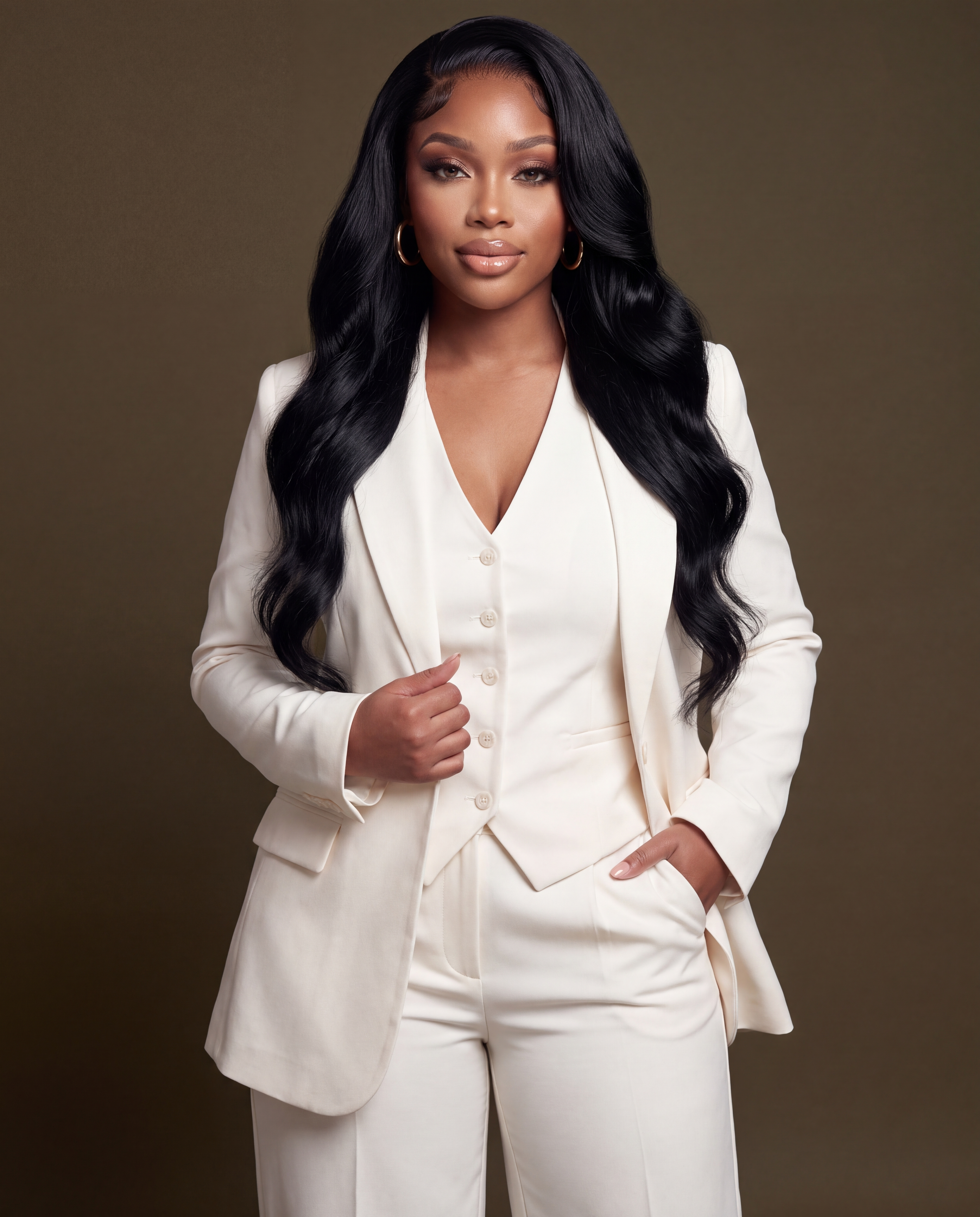
Two collages give you ten concepts to choose from.
Choose a favorite
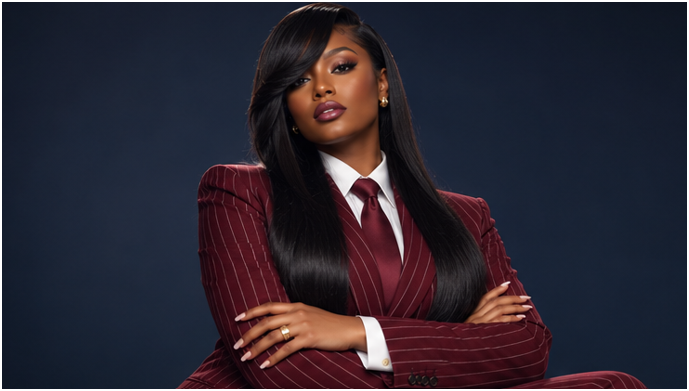
Download. Isolate.
Download the collages. Screenshot or crop each image you want to recreate, one image at a time.
The important distinction
The collage is your creative direction.
Your face and body references bring the final image back to you.
Translate the look into words
Ask for a Nano Banana Pro prompt.
Return to ChatGPT and attach the individual concept screenshot.
I want to recreate the professional image in this screenshot using my own AI twin. Please give me a detailed prompt for Nano Banana Pro. Describe the framing, pose, outfit, hairstyle, lighting, setting, and visible objects. In the prompt, specify that reference image 1 controls facial identity and reference image 2 controls body type and proportions. Preserve my identity and body shape.
Copy the detailed prompt ChatGPT returns. That is what you will paste into the image generator.
My shortcut
The prompt system, already built.
My ready-made photo agent turns a reference into a structured prompt. Find my member skills and available plugins inside AI Fame Society.
AI FAME SOCIETY · YOUR CREATIVE AI ECOSYSTEM · AI FAME SOCIETY ·
Create the final image
Choose Nano Banana Pro.
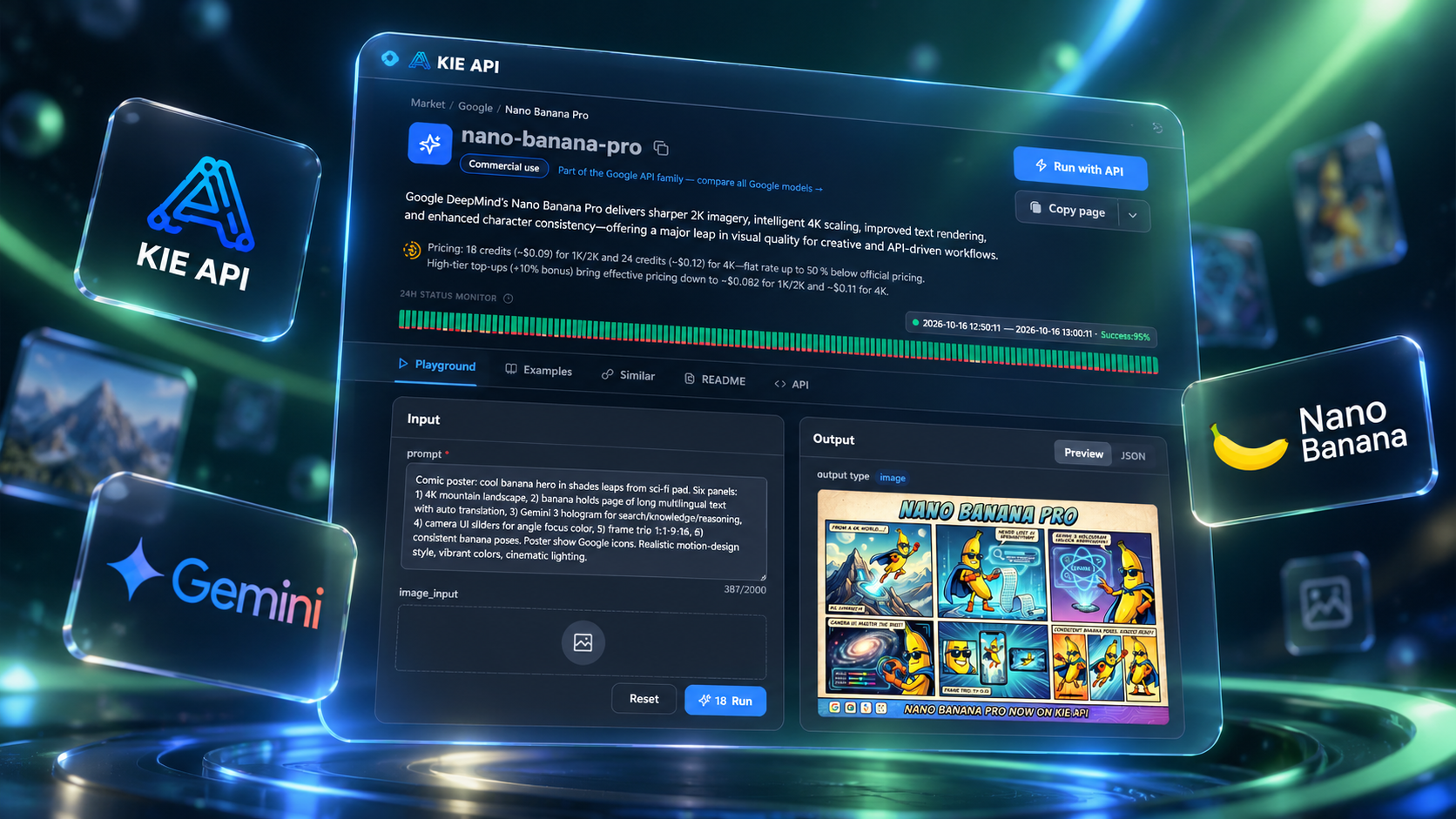
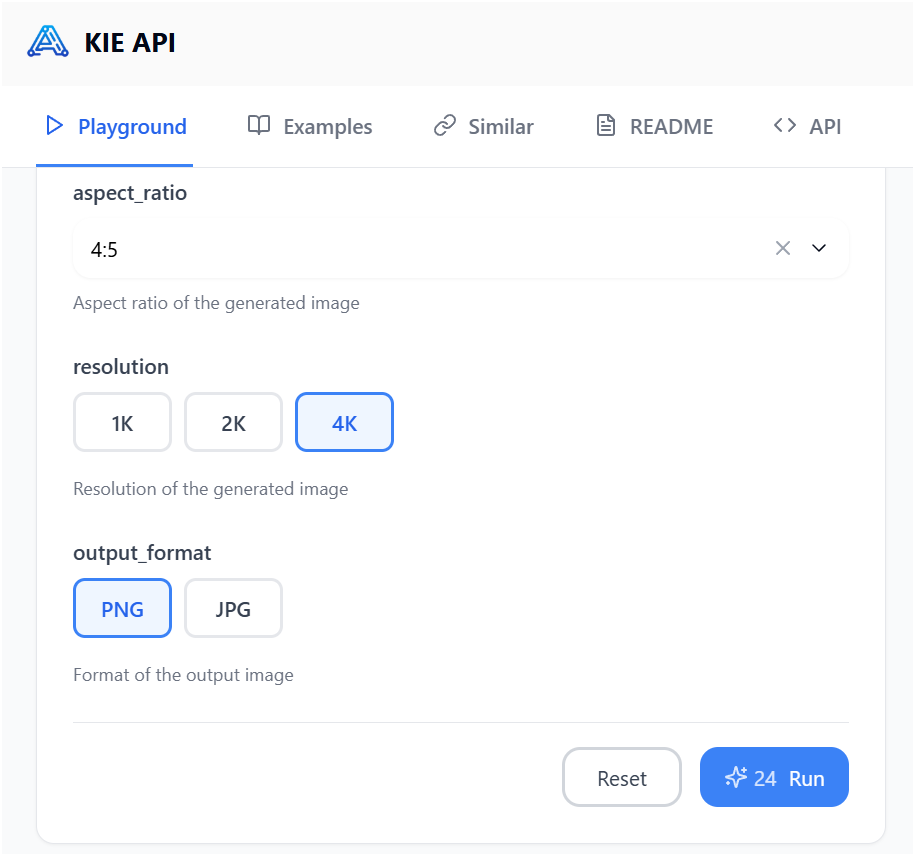
I use Kie.ai. Open the Nano Banana Pro playground, or use another platform that gives you access to the same model.